Let’s be honest — the first time you use Napkin AI, it feels like magic. You paste in a block of text, click one button, and boom — a clean, structured diagram appears. No design skills needed. No blank canvas panic. Just your ideas, turned visual in seconds.
But then you start pushing it a little harder. You want more control over the layout. You need to collaborate with your team. Or you realize Napkin AI is great at single diagrams but it’s not going to build you a full presentation. That’s when things get limiting.
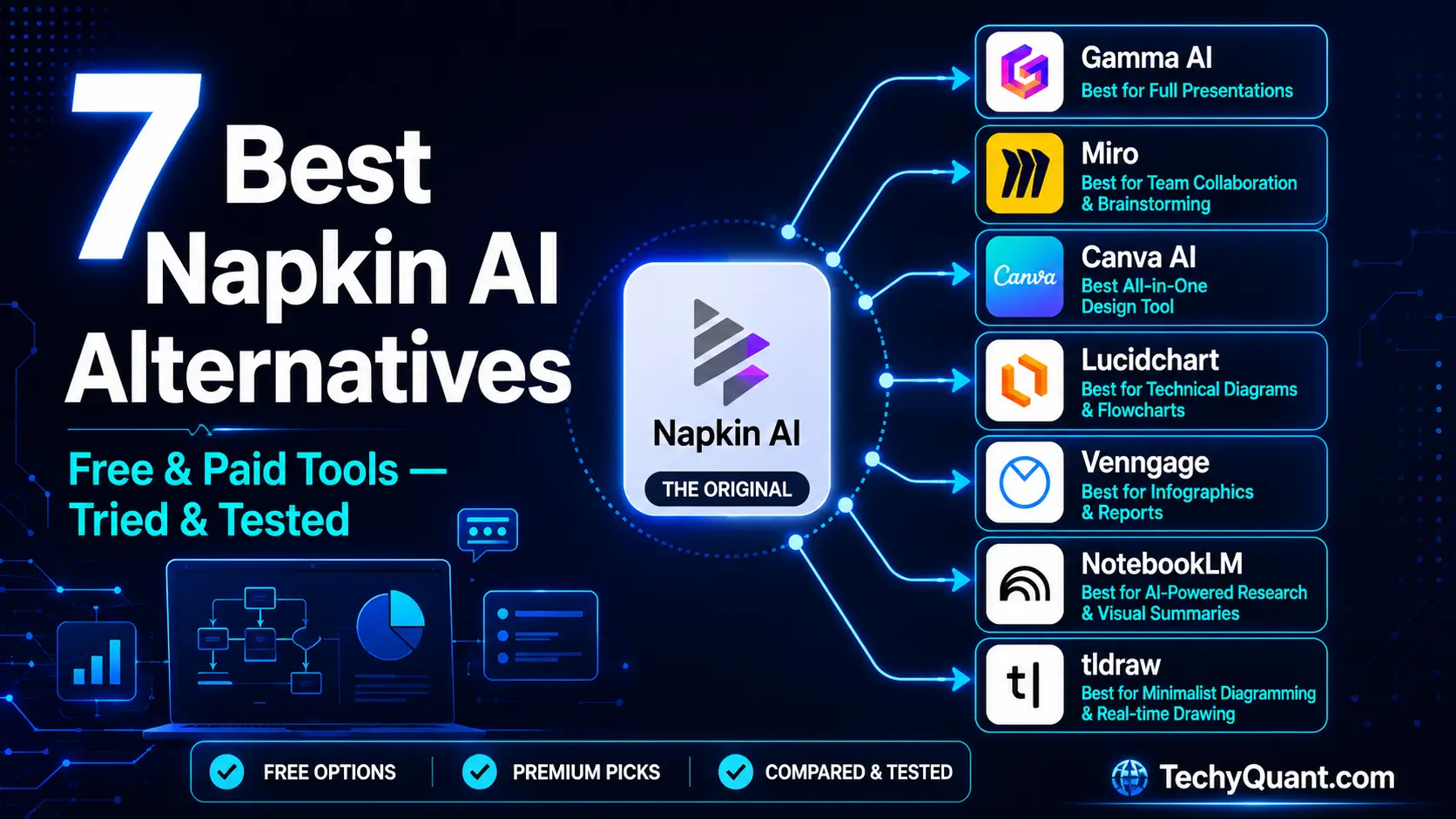
Sound familiar? You’re not alone. After spending weeks testing these tools for different workflows, here are the 7 best Napkin AI alternatives in 2026 — broken down honestly so you can pick what actually fits your needs.
Quick Note Before We Start
Napkin AI is excellent at one specific job: turning structured text into standalone diagrams and infographics — faster than any other tool. These alternatives don’t replace it entirely. They solve the problems Napkin AI can’t.
What is Napkin AI — And Why Are People Looking for Alternatives?
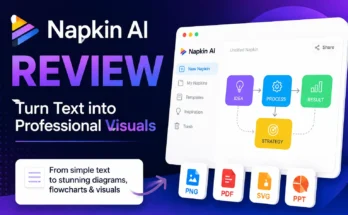
Napkin AI is a browser-based text-to-visual tool. You paste your notes, bullet points, or paragraphs — and it automatically generates flowcharts, timelines, comparison tables, and other diagrams. The name comes from the idea of sketching ideas on napkins during meetings: quick, rough, but surprisingly useful.
It was built by Jerome Scholler and Pramod Sharma (the same team behind AI gaming company Osmo) and has grown to over 5 million users as of 2025. The free plan gives you 500 credits per week, which is genuinely usable for light work.
Where Napkin AI Falls Short
It’s not a full presentation builder. It creates visual assets you insert into slides — not complete decks. Editing is rigid, team collaboration is limited, and complex layout customization is missing. If you need more than standalone diagrams, you need one of these alternatives.
Related Read: If you’re new to AI visual tools, check out our guide on Best AI Tools for Content Creation in 2026 — a great starting point before diving deep here.
1. Gamma AI — Best Napkin AI Alternative for Full Presentations
Turn your text into complete, polished presentations — not just diagrams.
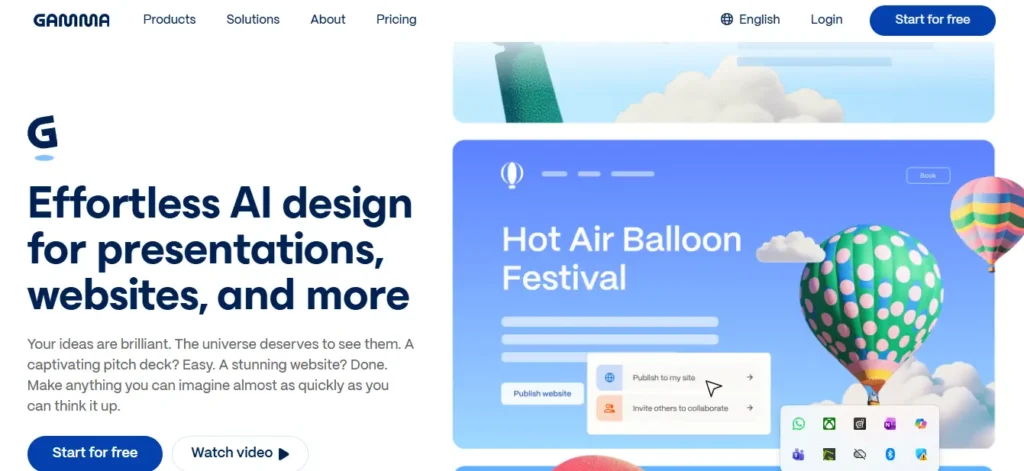
If Napkin AI’s biggest limitation is that it can’t build full presentations, Gamma AI is the obvious answer. You describe what you want — or paste in your notes — and Gamma generates an entire polished deck in under a minute. Not a template with placeholder text. An actual presentation structured around your content.
What makes it stand out is the design intelligence. Gamma doesn’t just arrange text in boxes; it picks layouts, adds visual structure, and makes everything look like a human designer touched it. You can then refine individual slides, swap layouts, add images, or embed live content like charts and videos directly into cards.
It’s been especially popular with students, educators, and startup founders who need decks quickly without hiring a designer. The paid plans start at $10/month, which is reasonable given how much time it saves.
✅ Pros
- Generates complete decks from text in seconds
- Beautiful, modern design by default
- Supports live embeds (charts, videos, forms)
- Easy sharing with a link — no downloads needed
- Free plan available
❌ Cons
- Less control over granular diagram layouts
- Not ideal for standalone infographics
- Can feel generic on complex technical topics
Free Plan: Available
Paid from: $10/month
Best for: Presentations & Decks
Also Read: Top AI Tools for Social Media Management in 2026 — Gamma AI pairs really well with these tools if you’re creating content regularly.
2. Miro — Best for Team Collaboration & Brainstorming
The infinite collaborative whiteboard that thinks with your team.
Miro is built for teams. Unlike Napkin AI where you paste text and get a diagram by yourself, Miro is a live infinite whiteboard where multiple people can brainstorm, plan, and build ideas together in real time. Think sticky notes, flowcharts, mind maps, sprint boards — all on one canvas that never runs out of space.
Miro added AI features in 2025-2026 that let you highlight a cluster of sticky notes and ask it to “generate a flowchart” or “summarize these ideas.” It’s not as fast as Napkin AI for standalone diagram generation, but the collaborative experience is in a different league.
If you’re a solo creator, Miro might feel like overkill. But for any team doing workshops, sprint planning, or product design — it’s one of the most powerful tools available today.
✅ Pros
- Real-time multi-user collaboration
- Infinite canvas — never runs out of space
- 250+ templates for every workflow
- Strong integrations (Slack, Jira, Notion, Figma)
- AI summarization and diagram generation
❌ Cons
- Can get disorganized fast if not structured
- Free plan limits you to 3 editable boards
- Heavy for simple one-off diagram needs
Free Plan (3 boards)
Starter: $8/user/month
Business: $20/user/month
3. Canva AI — Best All-in-One Design Tool
Design anything — social posts, infographics, diagrams — all in one place.
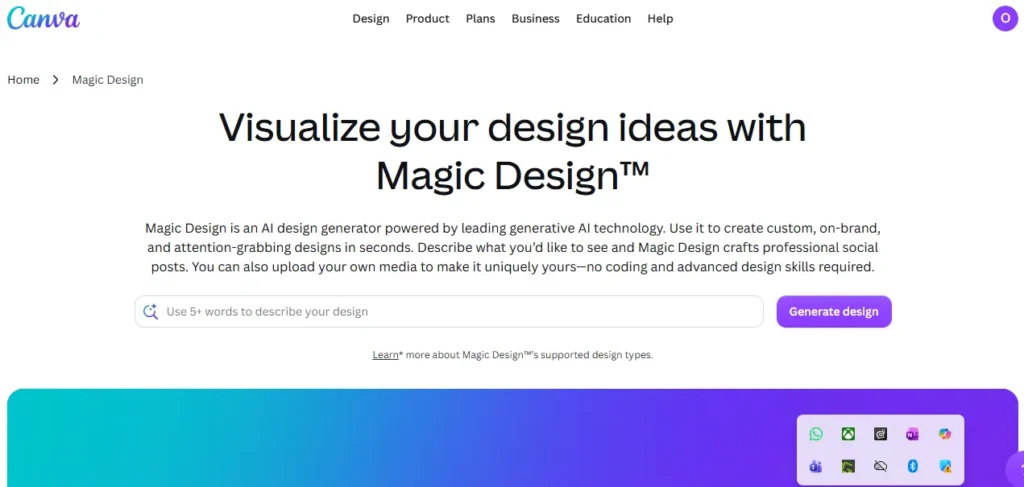
Canva needs no introduction. But in 2025, Canva launched Magic Studio — a full AI suite that transformed it from a design tool into a creative AI platform. You can now describe what you want in plain English and Canva generates designs, presentations, social media posts, infographics, and even short videos.
For diagram-specific work, Canva is slower than Napkin AI — it’s designed for broader design needs, not just text-to-diagram conversion. But if you’re already using Canva for other content, it makes sense to use it for visuals too rather than switching between tools.
The free plan is genuinely powerful — you get access to thousands of templates and basic AI features. Canva Pro at $15/month unlocks the full Magic Studio AI suite.
✅ Pros
- All-in-one: presentations, social, diagrams, videos
- Massive free template library
- AI image generation, background remover, text effects
- Very beginner-friendly
- Great mobile app
❌ Cons
- Not specialized for text-to-diagram conversion
- AI features require Canva Pro
- Can feel slow for technical diagrams
Free Plan
Pro: $43/month
Best for: General design + social content
Also on TechyQuant: How to Use AI for UX Research Tools — if you’re designing for a product, this pairs well with Canva and Miro.
4. Lucidchart — Best for Technical & Professional Diagrams
The industry standard for flowcharts, ERDs, org charts, and system diagrams.
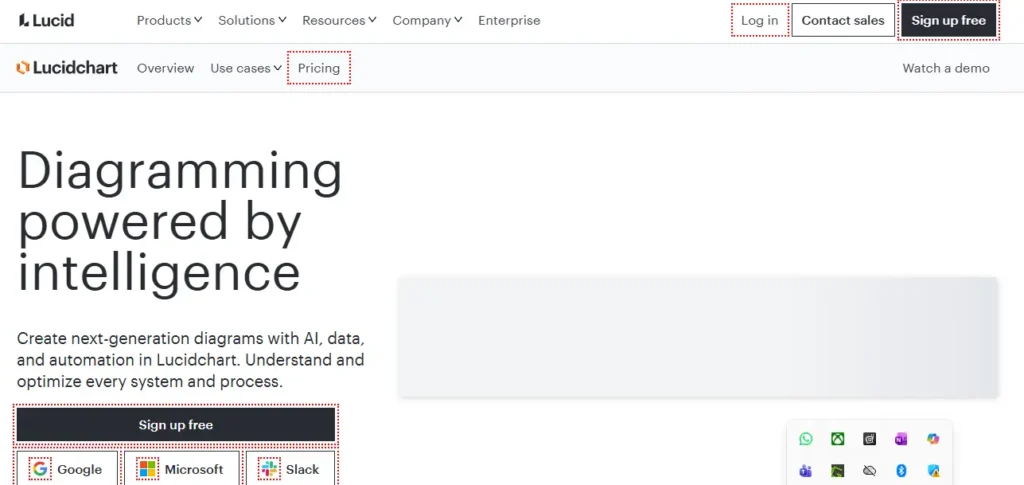
When engineers, architects, and enterprise teams need to diagram precisely, they reach for Lucidchart. It serves over 130 million users worldwide — including a massive chunk of Fortune 500 companies — and it’s considered the gold standard for technical diagramming.
Unlike Napkin AI’s quick-and-loose approach, Lucidchart gives you deep control: UML diagrams, ER diagrams, network architecture maps, org charts — all with pixel-perfect precision. It also added AI text-to-diagram features in 2025, so you can describe a flow in plain language and it generates the structure automatically.
It integrates seamlessly with Google Workspace, Microsoft 365, Atlassian tools, and Salesforce — which is why it’s a go-to in professional environments.
✅ Pros
- Industry-leading precision for technical diagrams
- AI text-to-diagram feature added in 2025
- Deep integrations (Jira, Confluence, Google, Microsoft)
- Massive shape libraries for every diagram type
- 130M+ users — widely trusted
❌ Cons
- Not beginner-friendly for quick, casual visuals
- Free plan is very limited
- Overkill for simple infographic needs
Free Plan (limited)
Individual: $9/month
Team: $10/user/month
5. Venngage — Best for Infographics, Reports & Data Visuals
Data-driven infographics and business reports made beautiful.
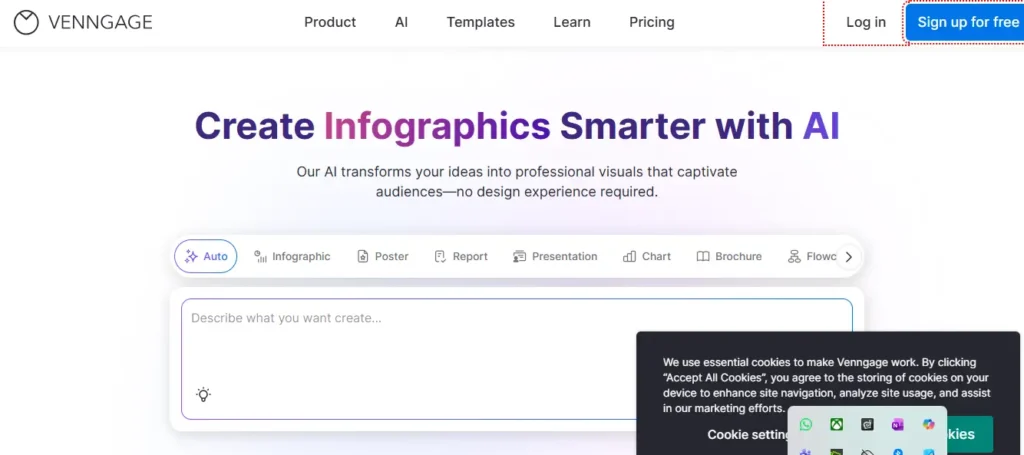
If your use case involves turning data into visual stories — think annual reports, marketing infographics, data dashboards, or business proposals — Venngage is purpose-built for exactly that.
Where Napkin AI generates diagrams from text structure, Venngage focuses on polished, branded visual documents. It has thousands of templates for infographics, mind maps, reports, and presentations. The AI features help you generate charts from your data and apply consistent styling across everything.
It’s particularly loved by marketing teams, educators, and nonprofits that need professional-looking visuals without a design budget.
✅ Pros
- Excellent for data-heavy infographics and reports
- Strong brand kit and custom styling
- Thousands of professional templates
- Free plan available with basic features
- Good for non-designers who need polished output
❌ Cons
- Not as fast as Napkin AI for quick diagrams
- Export to PDF/PNG requires paid plan
- Less suitable for technical/developer diagrams
Free Plan: Available
Individual: $10/month
Team: $24/user/month
Best for: Marketing & reports
6. NotebookLM — Best for Turning Research Into Visuals
Your research documents, turned into structured insights and visual summaries.
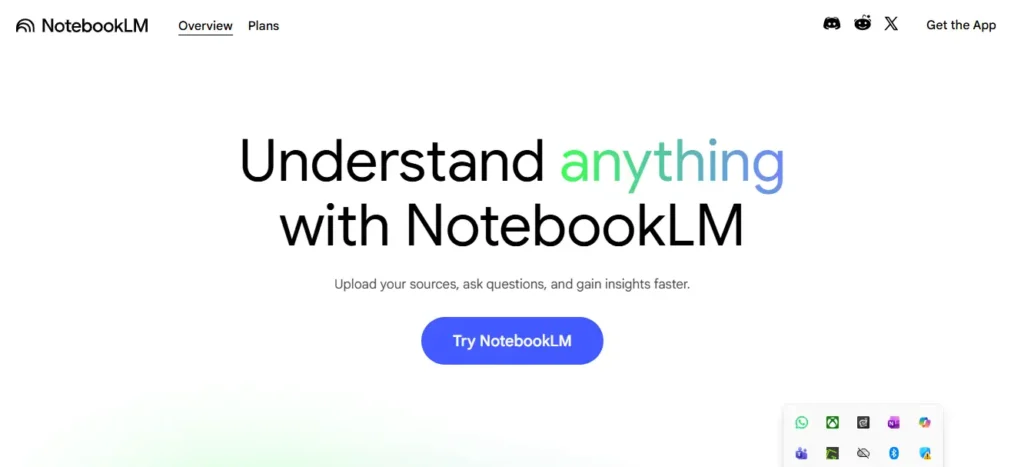
NotebookLM is one of the most genuinely underrated AI tools right now. It’s built by Google and it’s currently free — which feels almost unfair given what it does. You upload your documents, PDFs, research papers, or URLs, and it builds a private AI that answers questions, summarizes information, and helps you structure your thinking — entirely based on what you’ve given it.
The visual angle here is different from Napkin AI. NotebookLM won’t generate a flowchart from a paragraph. But it will help you understand complex material and extract structured summaries that you can then turn into visuals using other tools. The Audio Overview feature even generates a podcast-style conversation summarizing your sources.
For researchers, students, and knowledge workers who deal with large volumes of source material — this is a must-have tool in 2026.
✅ Pros
- Completely free as of 2026
- Works only from your own documents — zero hallucination risk
- Podcast-style audio summaries (Audio Overview)
- Great for research-heavy workflows
- Made by Google — reliable and fast
❌ Cons
- Not a direct diagram generator
- Requires you to upload source documents first
- Less useful for quick, standalone visual creation
Completely Free
Best for: Research & students
Deep Dive: Best AI Tools for Data Integration in 2026 — NotebookLM works great alongside data tools if you’re processing large datasets.
7. tldraw — Best Free Whiteboard for Quick Sketches
Describe what you want — tldraw’s AI draws it instantly.
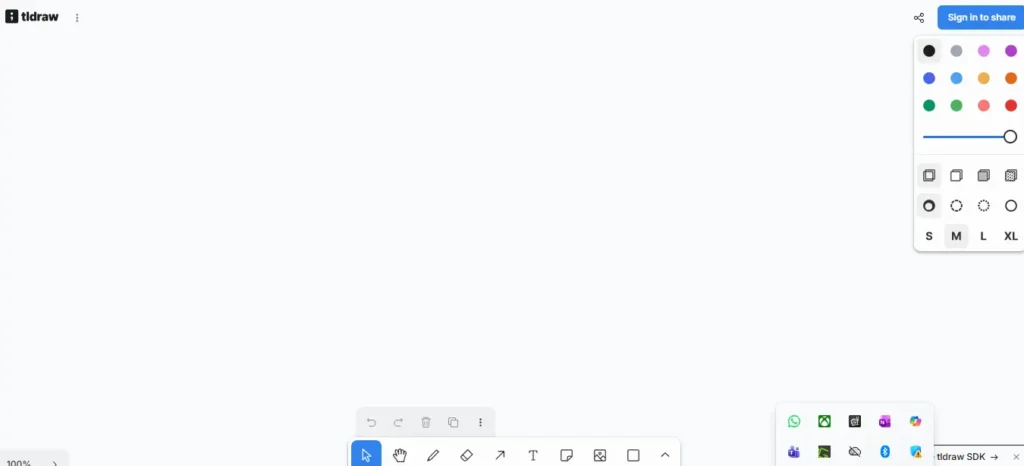
tldraw is a free, open-source whiteboard tool that added a surprisingly capable AI feature: you describe what you want to draw in plain English, and it generates a visual sketch on the canvas. It’s fast, it’s free, and it works directly in your browser with no account required.
It’s not trying to compete with Lucidchart’s precision or Gamma’s presentation quality. tldraw is for those moments when you just need to quickly sketch an idea, wireframe a UI concept, or map out a rough system diagram — without any friction. The AI understands context well enough to generate useful starting points from text prompts.
Think of it as Napkin AI’s scrappier, entirely free sibling. Less polish, more freedom.
✅ Pros
- Completely free — no account required
- Open source — privacy-friendly
- AI sketch generation from text prompts
- Very fast and lightweight
- Great for wireframing and rough mockups
❌ Cons
- Less polished than paid tools
- Not ideal for client-facing or formal presentations
- Limited templates and styling options
100% Free Open Source
Best for: Quick sketches & wireframes
Quick Comparison Table — All 7 Alternatives vs Napkin AI
| Tool | Best For | Free Plan | AI Diagrams | Team Collab | Starting Price |
|---|---|---|---|---|---|
| Napkin AI | Quick text-to-diagram | ✓ | ✓✓ | Limited | $9/month |
| Gamma AI | Full presentations | ✓ | ✓ | ✓ | $10/month |
| Miro | Team collaboration | ✓ (3 boards) | ✓ | ✓✓ | $10/user/mo |
| Canva AI | All-in-one design | ✓ | ✓ | ✓ | $43/month |
| Lucidchart | Technical diagrams | Limited | ✓ | ✓ | $9/user/mo |
| Venngage | Infographics & reports | ✓ | ✓ | ✓ | $10/month |
| NotebookLM | Research & students | Free | Indirect | Limited | Free |
| tldraw | Quick sketches | Fully Free | ✓ | Basic | Free |
Final Verdict — Which Napkin AI Alternative Should You Pick?
There’s no single winner here because each tool solves a different problem. Here’s a simple cheat sheet:
| Your Situation | Go With |
|---|---|
| Need full presentation decks from text | Gamma AI |
| Working with a remote team on a project | Miro |
| Already use Canva for content creation | Canva AI |
| Engineer / developer needing precise diagrams | Lucidchart |
| Marketer making branded infographics & reports | Venngage |
| Student or researcher dealing with lots of documents | NotebookLM |
| Want something totally free with no signup | tldraw |
Pro Tip — Stack Your Tools
The most productive creators don’t use just one tool. A common power combo: use NotebookLM to research and organize ideas → Napkin AI to turn key points into diagrams → Gamma AI to build the final presentation. Different tools, different jobs, zero overlap.
Frequently Asked Questions
Is Napkin AI free to use?
Yes, Napkin AI has a free plan that gives you 500 credits per week — enough for approximately 10–15 visuals. The Plus plan costs $9/month and the Pro plan costs $22/month. The free plan is genuinely usable for light, regular use.
What is the best free alternative to Napkin AI?
If you want a completely free text-to-visual tool with no account required, tldraw is the best option. For research and document-based visual work, NotebookLM by Google is free and extremely powerful. Canva and Venngage also have solid free plans for broader design needs.
Can Napkin AI build full presentations?
No. Napkin AI is built specifically for individual diagrams and infographics — it’s not a full presentation builder. For complete slide decks from text, Gamma AI is the better choice.
Which Napkin AI alternative is best for students?
NotebookLM is the top pick for students — it’s free, it’s built for research, and it works entirely from your own uploaded documents. Canva AI is also excellent for students who need to create infographics, posters, or presentations for class.
Is Miro better than Napkin AI?
They solve different problems. Napkin AI is faster for generating standalone diagrams from text — solo use, quick output. Miro is better when you’re collaborating with a team on a shared canvas. If you’re working alone and need quick visuals, Napkin AI wins. For team collaboration, Miro wins easily.
What’s the best Napkin AI alternative for technical diagrams?
Lucidchart is the clear winner for technical diagramming — flowcharts, ERDs, UML diagrams, network architecture maps. It’s used by over 130 million users including most Fortune 500 companies. It’s more complex than Napkin AI but far more precise for professional technical work.