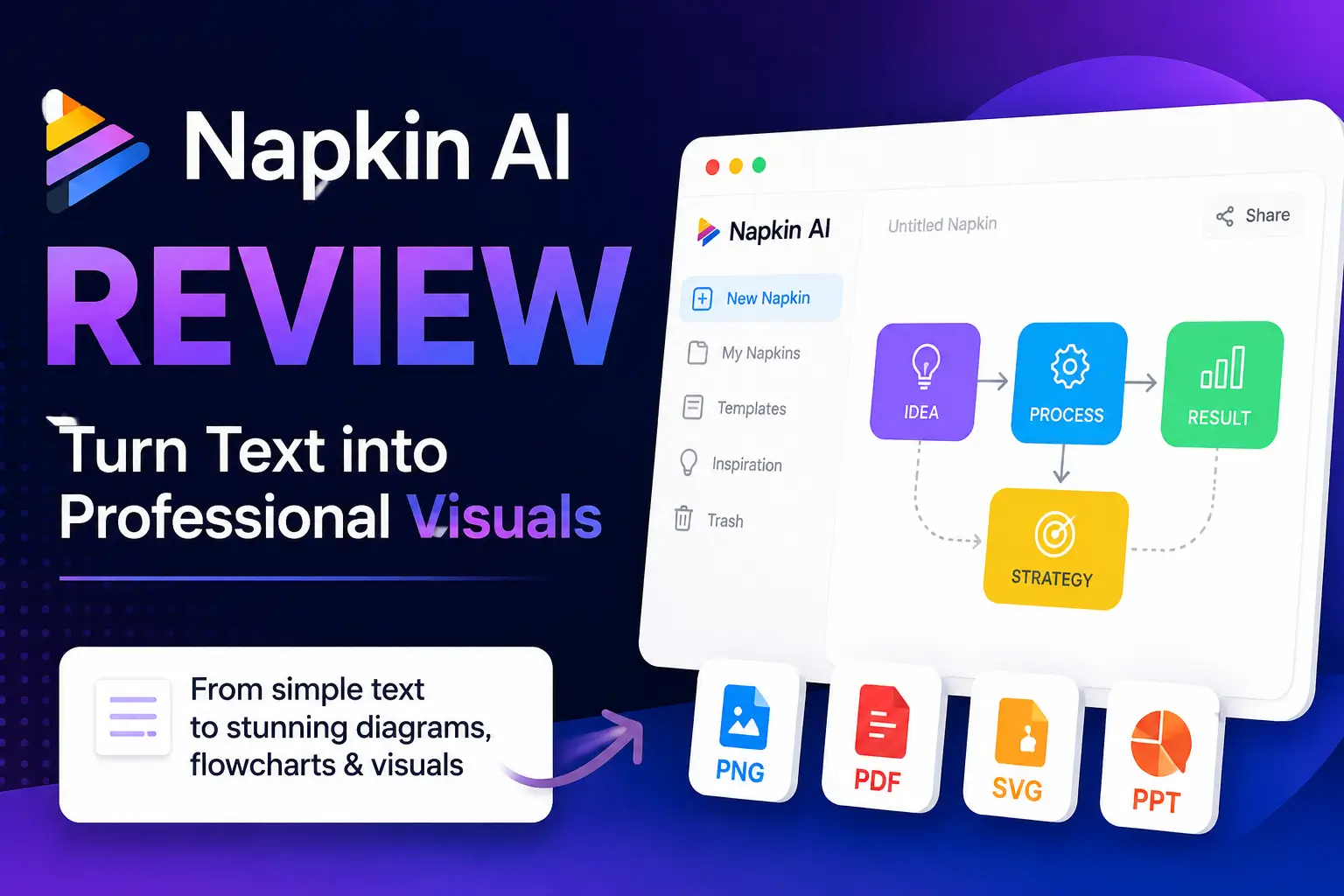
Creating diagrams, flowcharts, and infographics manually can take hours. Napkin AI aims to simplify this process by turning plain text into professional visuals within seconds.
Businesses are increasingly using AI-powered tools to improve productivity and content creation.
What Is Napkin AI?
Napkin AI is an AI-powered visual communication platform that converts text into diagrams, flowcharts, timelines, mind maps, and visual frameworks.
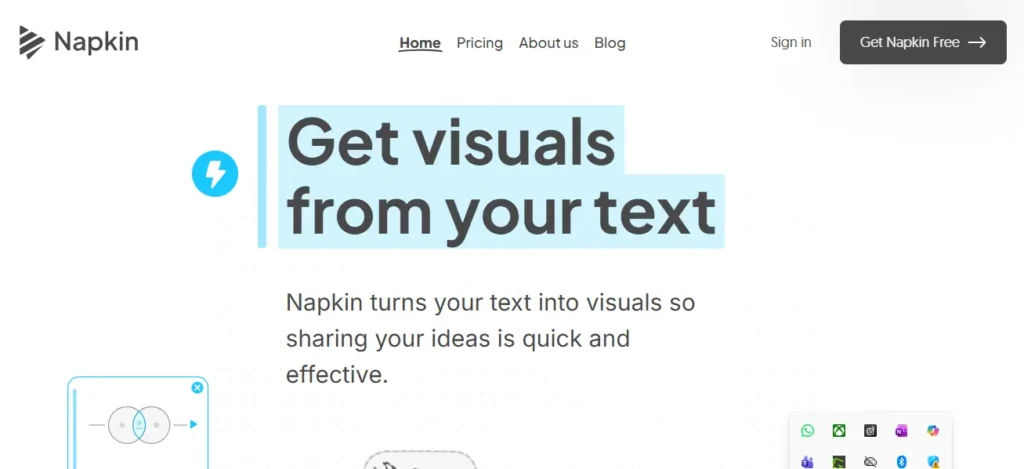
Unlike traditional design tools, users simply paste content and allow the AI to generate visual representations automatically.
Napkin AI at A Glance
| Feature | Details |
|---|---|
| Tool Name | Napkin AI |
| Category | AI Diagram & Visual Generation Tool |
| Best For | Bloggers, Marketers, Educators, Students, and Consultants |
| Free Plan | Yes |
| Starting Price | Free (Paid plans available) |
| Export Formats | PNG, PDF, SVG, PPTX |
| AI Flowcharts | Yes |
| Mind Maps | Yes |
| Timeline Creation | Yes |
| Ease of Use | 9/10 |
| Output Quality | 8.5/10 |
| Customization | 7.5/10 |
| Value for Money | 9/10 |
| Overall Rating | 8.4/10 |
Key Features of Napkin AI
Text-to-Visual Generation
Napkin AI can create:
- Flowcharts
- Process maps
- Timelines
- Concept diagrams
- Comparison charts
If you frequently organize research or information visually, you may also find our article on AI for user research tools useful.
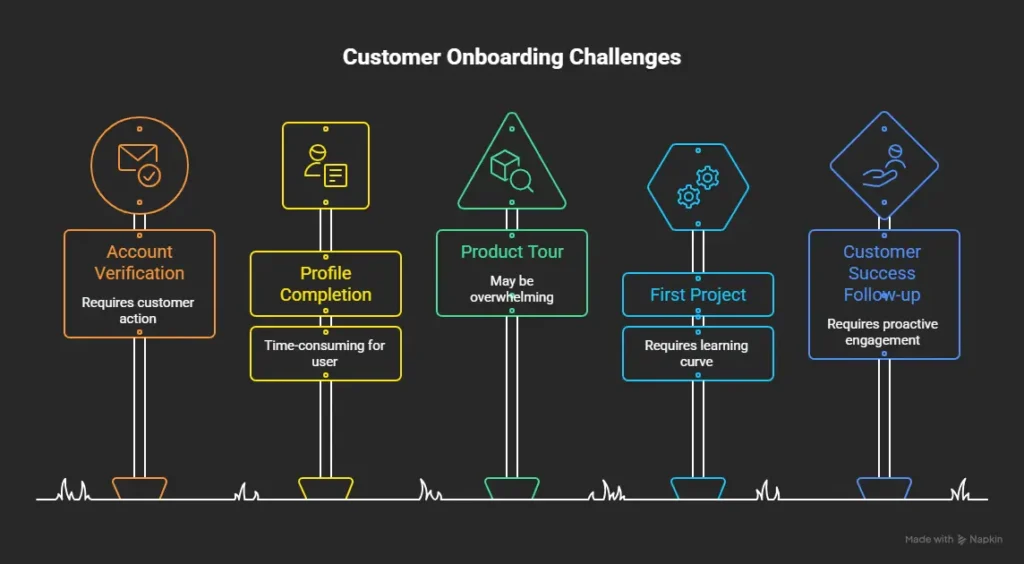
Customer onboarding workflow generated by Napkin AI from a simple text prompt.
Multiple Visual Variations
One useful feature is the ability to generate several visual layouts from the same content. This allows users to compare styles and choose the most suitable option.
Easy Editing
Users can customize:
- Colors
- Fonts
- Icons
- Layout structures
- Branding elements
My Hands-On Experience
To evaluate Napkin AI, I tested the platform using three different content types.
Test 1: Blog Content
I pasted a 1,200-word blog post about SEO and asked Napkin AI to convert the content into a visual framework. The tool generated four diagram variations in under 15 seconds. The output was clean, but I had to manually adjust some labels because they overlapped on mobile view.
Result:
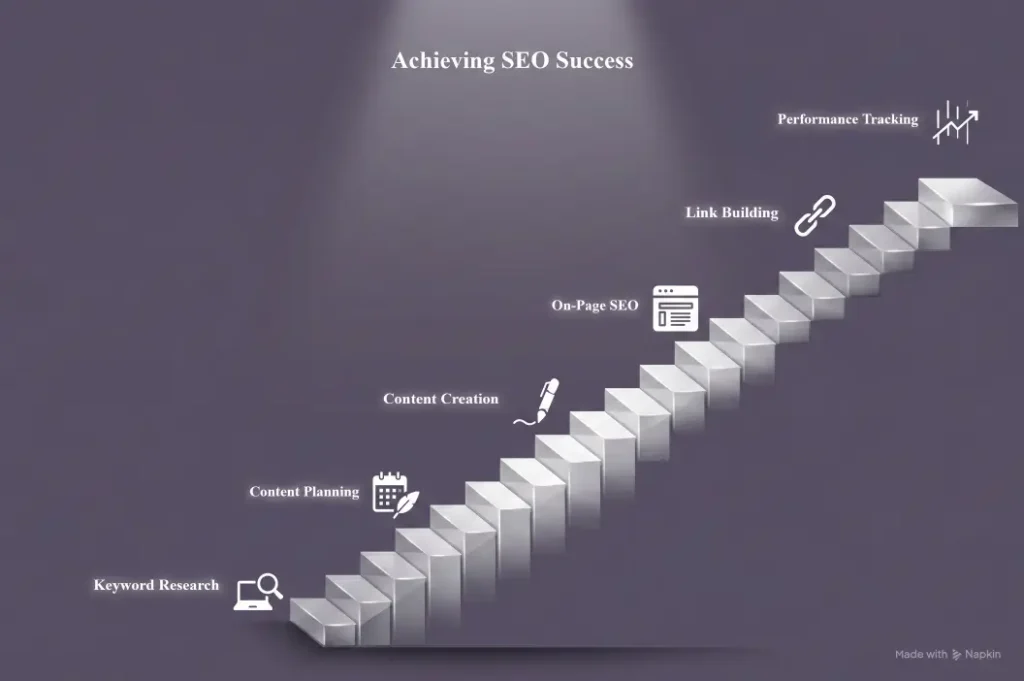
The platform generated a structured visual workflow within seconds.
Test 2: Business Process
I entered a customer onboarding workflow.
Result:
The AI created a professional flowchart that clearly visualized each step.
Test 3: Educational Content
I tested an SEO lesson outline.
Result:
The platform transformed the content into an easy-to-understand learning diagram suitable for presentations.
Napkin AI Pricing
Napkin AI currently offers Free, Plus, and Pro plans.
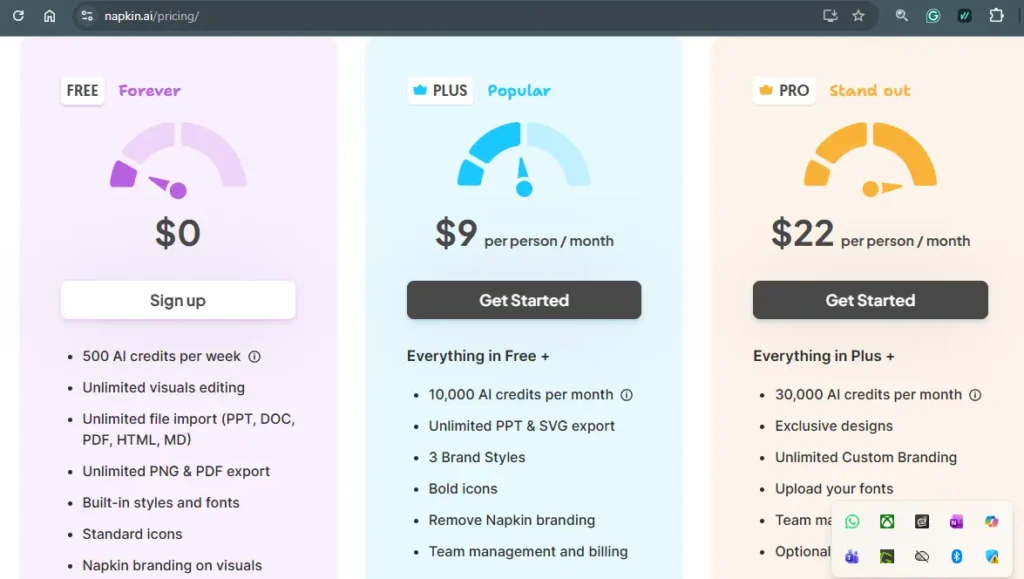
| Plan | Best For |
| Free | Beginners |
| Plus | Bloggers & Marketers |
| Pro | Team & Businesses |
Pros and Cons
Pros
- Beginner friendly
- Fast visual generation
- Multiple export formats
- Useful free plan
- Great for presentations
Cons
- Limited advanced customization
- Repetitive templates
- Not ideal for complex data visualization
Napkin AI vs Canva
| Feature | Napkin AI | Canva |
| AI Diagrams | Yes | Limited |
| Flowcharts | Yes | Basic |
| Design Freedom | Moderate | High |
| Learning Curve | Easy | Medium |
Best Napkin AI Alternatives
Some notable alternatives include:
- Canva
- Piktochart
- Lucidchart
- Gamma
- Miro
If you’re comparing productivity-focused AI software, read our guide on the best AI tools for sales GTM teams.
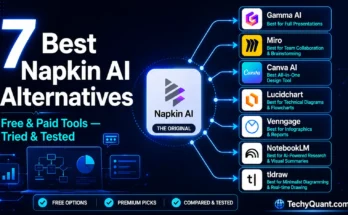
You must check our full article about 7 Napkin AI alternatives.
Who Should Use Napkin AI?
Napkin AI is ideal for:
- Bloggers
- Teachers
- Students
- Consultants
- Marketers
- Business professionals
Educators may also want to explore our article on best AI tools for teachers.
Final Verdict
Napkin AI is one of the easiest tools available for converting text into visuals. While it won’t replace professional design software, it dramatically reduces the time required to create diagrams, flowcharts, and visual frameworks.
For bloggers, educators, marketers, and business teams looking to improve visual communication, Napkin AI is definitely worth trying.
FAQs
Is Napkin AI free?
Yes, Napkin AI offers a free plan with limited AI credits.
Is Napkin AI better than Canva?
Napkin AI is better for automatic diagram generation, while Canva provides greater design flexibility.
Can Napkin AI create flowcharts?
Yes, flowchart creation is one of its primary features.
Who should use Napkin AI?
Bloggers, marketers, teachers, students, and consultants can benefit from the platform.
What are the best Napkin AI alternatives?
Canva, Gamma, Lucidchart, Miro, and Piktochart are among the top alternatives.